
DolphiniOS Emulator
OatmealDome, from Build Store
- Version
- 5.0.0b6
- Released
- Aug 20, 2026
- Size
- 17.1 MB
- Bundle ID
- emulators.
dolphinios
Screenshots
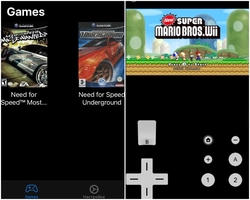
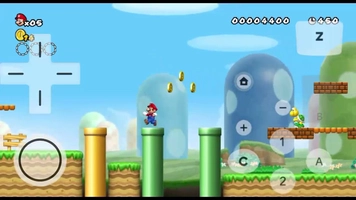
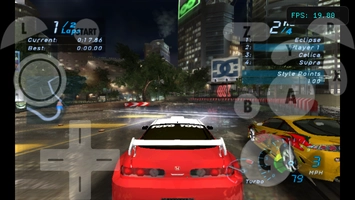
What's new in 5.0.0b6
No description
About
DolphiniOS runs GameCube and Wii games on an iPhone or iPad. It is the official iOS build of the open-source Dolphin project — the same emulator people run on desktop — now on build 5.0.0b6 with the Dolphin 2509 core.
Read this part before you install. Playable speed needs JIT, and Apple does not hand JIT to sideloaded apps on its own. You enable it with a separate free app called StikDebug (version 2.3.0 or newer on iOS 26), which needs a pairing file generated once on a computer, after which you tap Enable JIT in StikDebug each time before launching. Without JIT the emulator still runs through its Cached Interpreter, just slower. This is the one app in our emulator shelf that asks something of you up front — Delta, PPSSPP and emuThreeDS do not.
What you get once it is set up: full GameCube and Nintendo Wii support, save states so you can stop anywhere and pick it up later, accurate controller support for the pads you already own, and screen orientation handling for both phone and tablet.
Key features
Full GameCube and Nintendo Wii console support
Open source, built on the Dolphin project
Save states for picking up exactly where you left off
Accurate game controller support
Requires a JIT enabler for full speed
Get DolphiniOS on builds.io — download the IPA and install it on your iPhone in one tap, no PC needed for the install itself. Bring your own game files.
Share or follow
https://iparr.amirulandalib.eu.org/app/buildstore/emulators.dolphinios