
- Version
- 0.3.19
- Released
- Sep 23, 2026
- Size
- 7.1 MB
- Needs iOS
- 16.0 or later
- Bundle ID
- sb.
moe. kumone
Screenshots
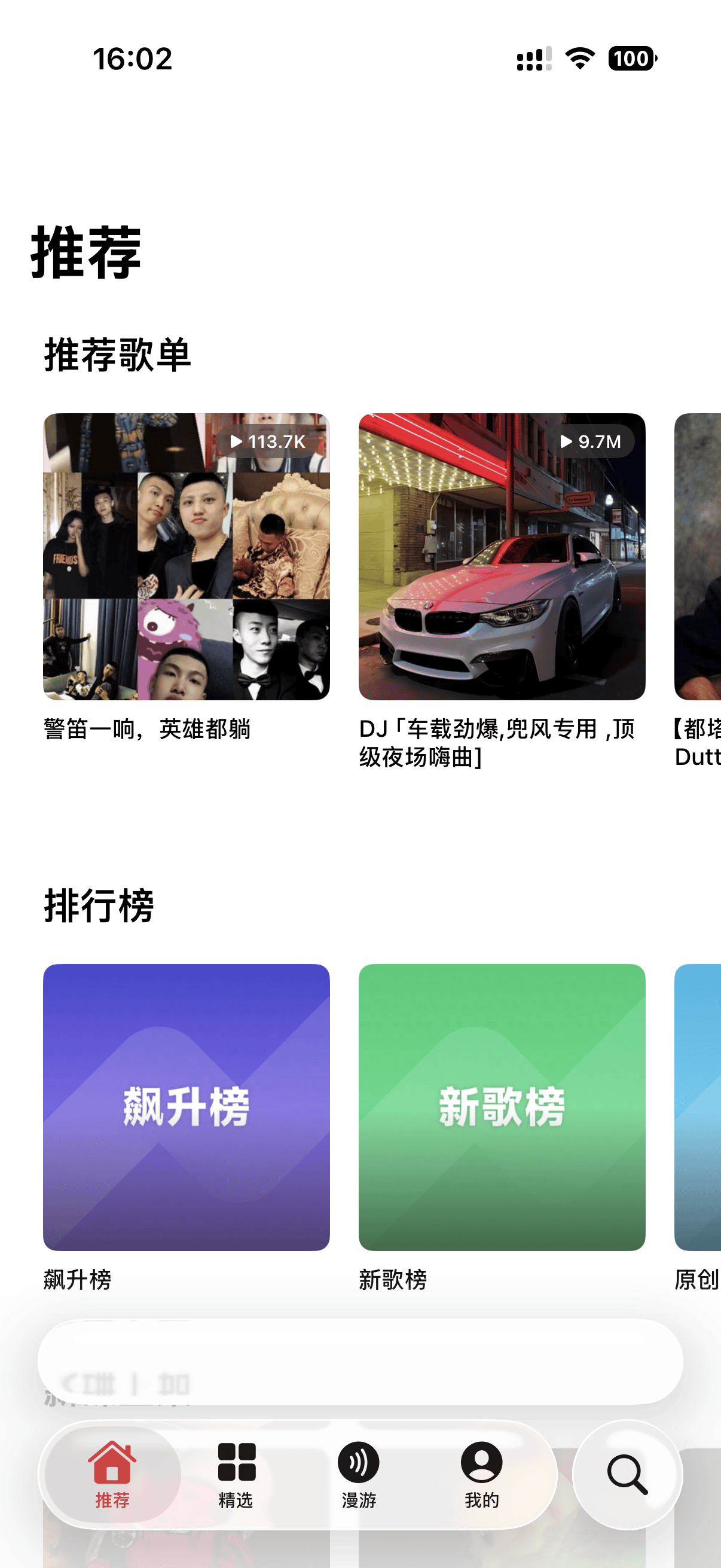
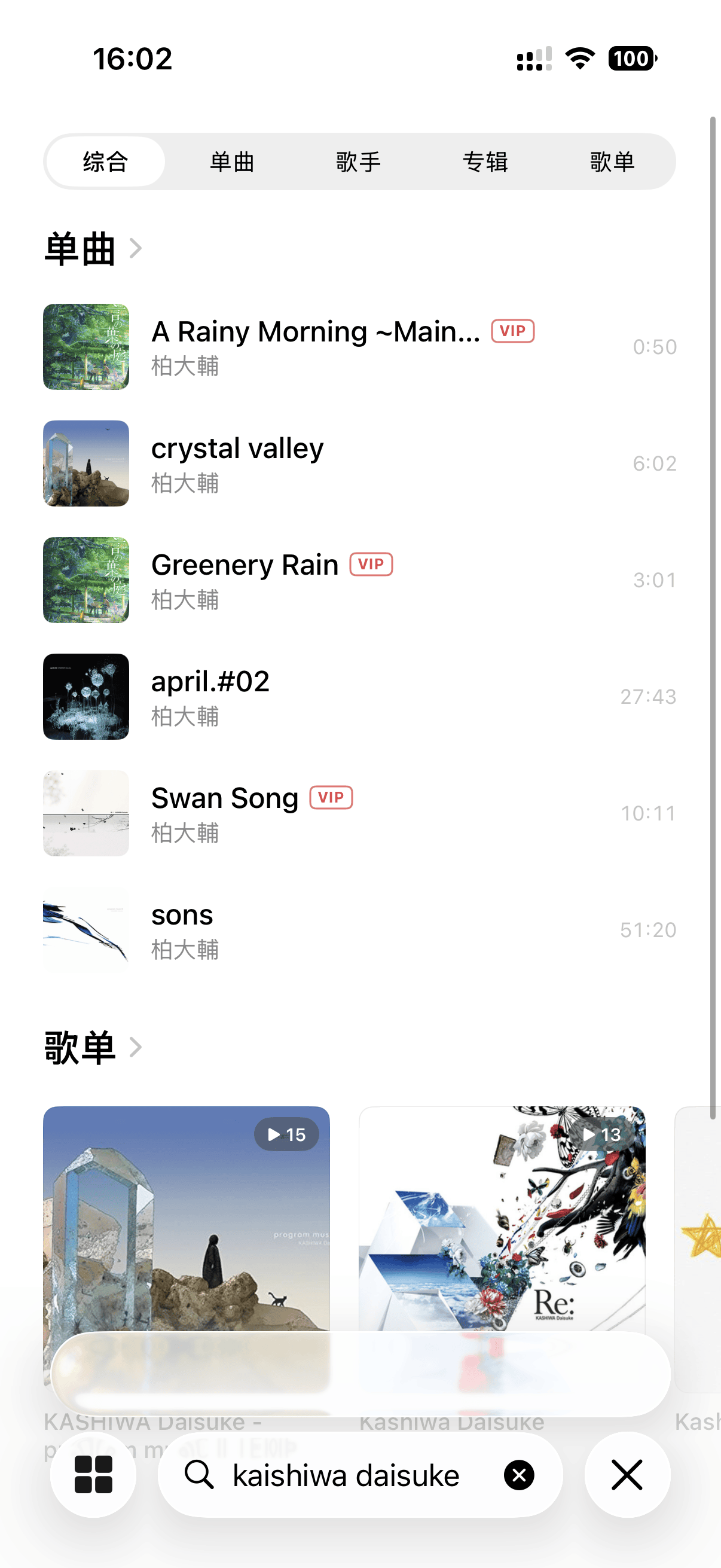
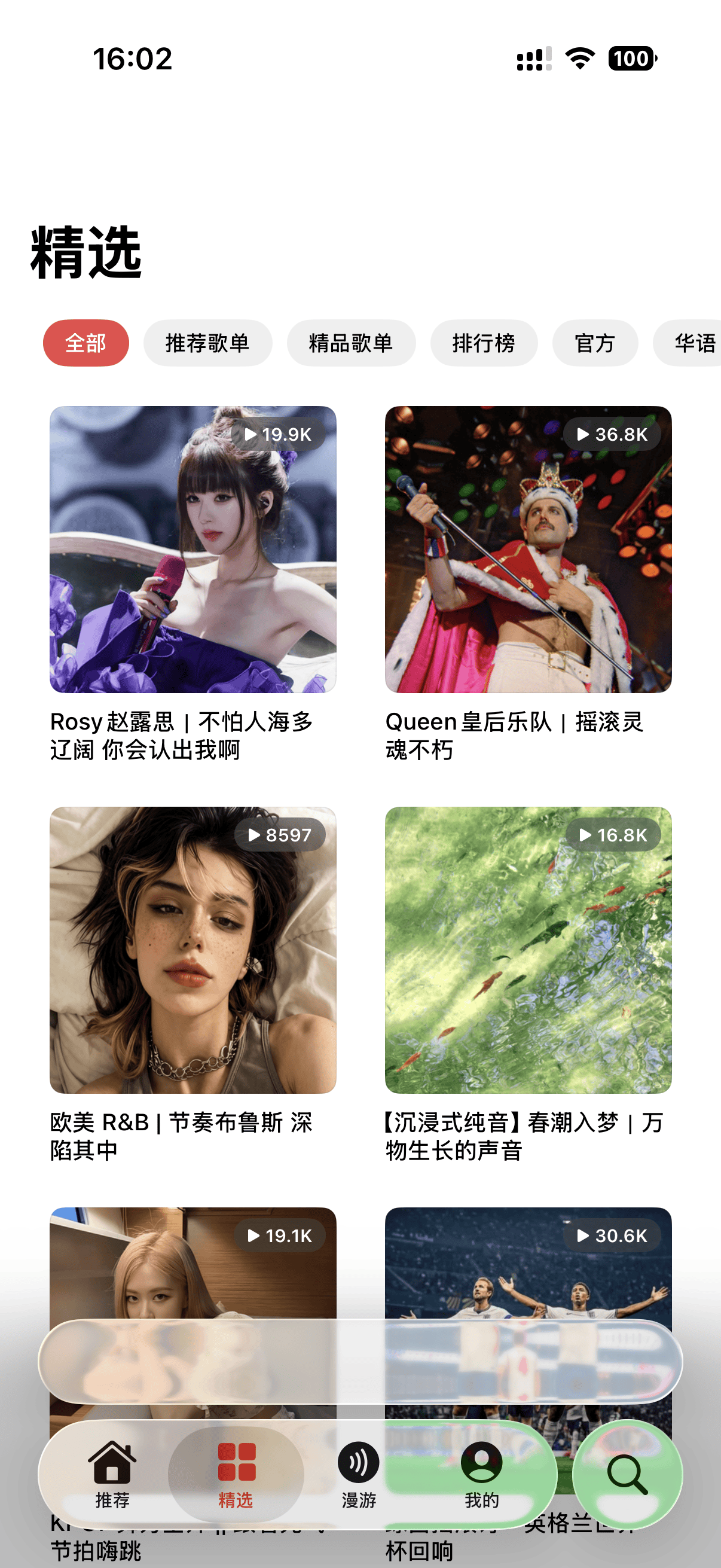
What's new in 0.3.19
Added
- iOS + macOS: an optional on-disk song cache (on by default, 100–1000 MB) — recently played tracks play from local storage, so replays work offline and rapid track switching is smoother; adjust the size or clear it in Settings. Thanks @yamakze (#109, part of #106).
- iOS + macOS: per-source control for grey (unavailable) tracks — enable or disable each fallback audio source (酷狗 / 酷我 / …) in Settings, plus stricter title/artist/duration match validation so a wrong song is no longer substituted. Thanks @yamakze (#104, addresses #77).
Fixed
- macOS: the Settings 「播放页模式」 picker now offers only the two layouts macOS actually renders (黑胶 / 经典) instead of four. (#105)
- macOS: the now-playing page slides in more smoothly — the titlebar and ambient tint fade out as the page rises, the arrow cursor no longer leaks from the sidebar divider onto the page, and the artwork cross-fades in. Thanks @sld272 (#100).
- iOS: tapping a track's cover in a list now plays it directly instead of opening the album, and the now-playing volume control moved into a compact popover. Thanks @yamakze (#108, part of #106).
新增
- iOS + macOS:可选的本地歌曲缓存(默认开启,100–1000 MB)——最近听过的歌从本地播放,断网也能重播、快速切歌更顺;可在设置里调整大小或清除。感谢 @yamakze(#109,#106 的一部分)。
- iOS + macOS:灰色(无版权)歌曲的音源可逐个开关——在设置里启用 / 禁用每个备用音源(酷狗 / 酷我 / …),并加入更严格的标题 / 歌手 / 时长匹配校验,不再匹配到错误的歌曲。感谢 @yamakze(#104,缓解 #77)。
修复
- macOS:设置里的「播放页模式」现在只提供 macOS 实际支持的两种(黑胶 / 经典),不再显示四种。(#105)
- macOS:进入播放页的动画更顺滑——标题栏与环境色随页面升起淡出,侧栏分隔条的箭头光标不再渗到播放页上,封面淡入。感谢 @sld272(#100)。
- iOS:列表里点击歌曲封面现在直接播放,而不是进入专辑,播放页音量改为紧凑的弹出条。感谢 @yamakze(#108,#106 的一部分)。
About
Kumone(雲の音)— native NetEase Cloud Music client for iOS. Talks directly to NetEase's real API with no third-party server: QR-code login, gray-track unblocking, synced lyrics with translation, immersive artwork-tinted now-playing, and playlist management.
Supports English and Simplified Chinese localization.
Share or follow
https://iparr.amirulandalib.eu.org/app/altgallery/sb.moe.kumone